


 Notification



 Newbie


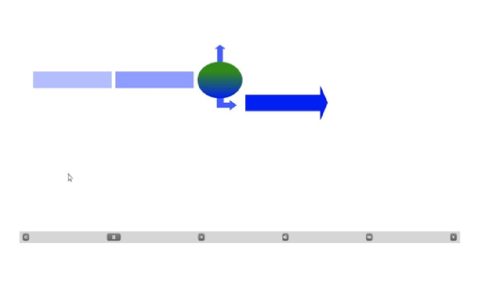
I’m experiencing an issue where the content on my project slides is not visible when I preview or publish the project. The audio/voice-over plays correctly, but the slides themselves appear completely blank.
In the Captivate authoring view, all slide content is visible and appears normal. However, during Preview and in the published output, only the voice-over is present while the slide content does not display.
Has anyone encountered this issue before? Are there any settings or known fixes that I should check? Added a screenshot for reference
You must be logged in to post a comment.

- Most Recent
- Most Relevant
Hi
Thank you for your query.
Please provide the information below so we can get more details around the issue and assist accordingly:
- What is the point version of Adobe Captivate on your device? You may check that from Help->About Adobe Captivate
- Which Operating system and version are you using?
- Are the Captivate project files saved locally or on a network/shared drive?
- Is it a work computer or personal machine? If work, does the user account has admin access or local access?
- Are you experiencing this issue with a specific Captivate project or all projects?
- Did it work fine for you previously on this device? Also, have you imported the slides or copied them externally, or created them from scratch in Captivate?
Happy to help,
Adobe Captivate Support


